 белорусский
 bosanski
 български
 hrvatski
 český
český
 eesti
eesti
 suomalainen
 français
 deutsch
 magyar
 latvijas
 lietuvių
 polski
 românesc
 русский
 srpski
 slovaški
 slovenski
 svenska
 українська
 norsk
norsk
 ελληνικά
 中文
中文
 english (India)
 english (AE)
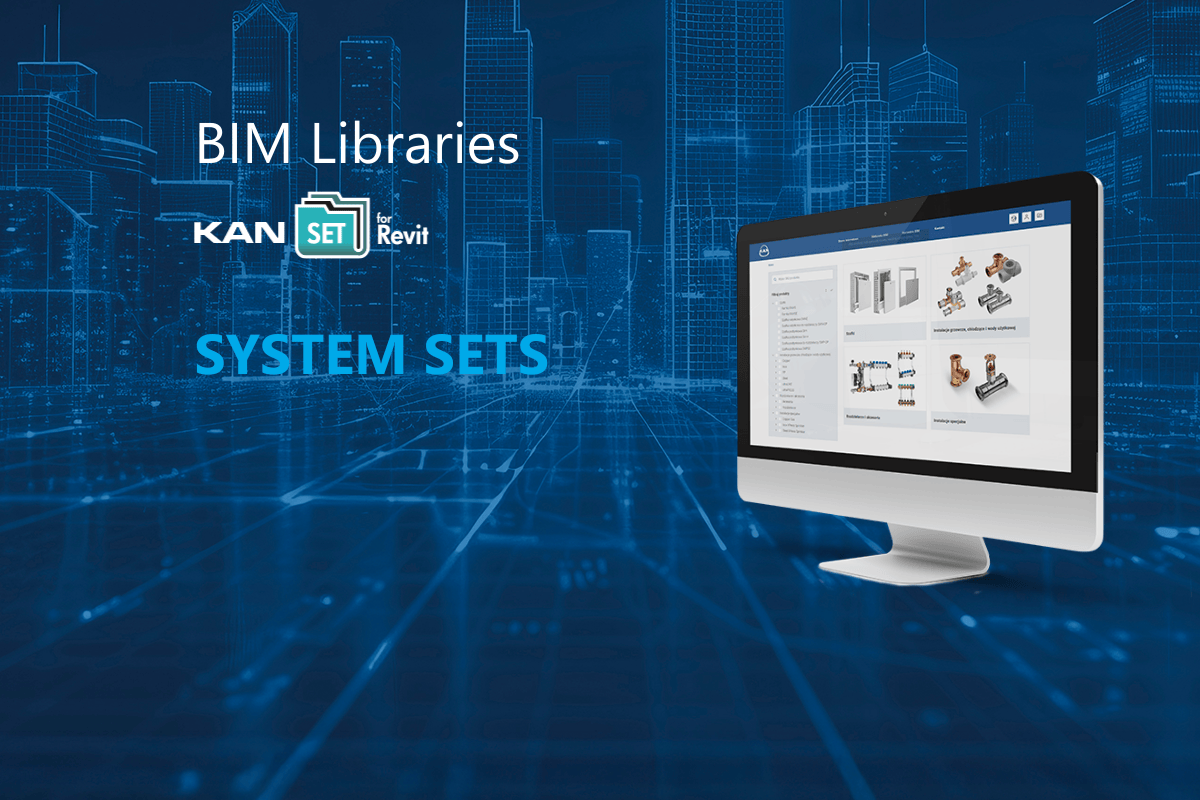
In December 2024, we launched the KAN BIM portal, which quickly gained strong interest among installation designers. Now we’re taking the next step – expanding its capabilities with System Sets, created to make work in Revit even faster and more precise.
What Are System Sets?
System Sets are single RVT files (Revit 2022, fully compatible with newer versions) containing a complete, fine-tuned package of KAN-therm product families – all in one place.
Currently available sets include: KAN-therm ultraLINE, ultraPRESS, PP, Steel, and Inox.
Why Use System Sets?
The new sets offer more than just convenience – they ensure top-quality BIM data and maximum consistency.
Each System Set has been developed as a reference version, guaranteeing full alignment of models, parameters, and logical behavior.
Compared to individual families available on the KAN BIM portal, families in the System Sets are more refined – in geometry, parameters, naming structure, and preference logic.
They represent the most current and recommended version for all designers.
Each Set includes all available diameters and component variants, allowing designers to instantly review the complete system offering – with no extra searches required.
Instead of downloading multiple files, you can now get the entire system in one click and start designing immediately.
All components, fittings, and accessories are bundled in a controlled, unified package, eliminating errors and ensuring full data consistency.
What’s Inside Each System Set
- A complete collection of components (fittings, accessories) for the selected system.
- Predefined routing preferences – elbows, tees, couplings, and reducers are automatically inserted while modeling.
- Ready-made schedules for easy copying into your projects – enabling quick reporting of used products.
- An organized parameter structure to simplify filtering, quantity take-offs, and change tracking.
- Consistent family and type names for fast searching and reduced risk of errors.
Benefits for Designers
- Significantly shorter modeling time.
- No selection errors – only valid component combinations are included.
- Unified offer and execution schedules.
- Faster take-offs and material lists.
- Fewer clicks – start working instantly with a complete system.
How to Download a System Set:
1. Go to the KAN BIM portal.
2. Select the required system.
3. Click on the “System Set” icon.
4. The download will start automatically — just one click!
All names and parameters in the Sets are in English. Official language versions are planned for future releases.
System Sets are another step toward full digitalization of the design process. They make designers’ work faster, simpler, and more predictable. We encourage you to use the System Sets as the preferred way of working in BIM – the most up-to-date, complete, and KAN-therm quality-approved format